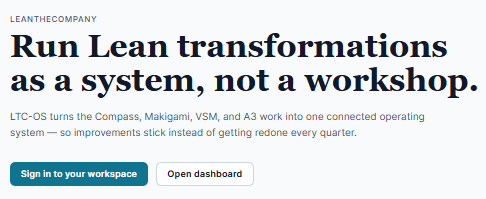
- Go to https://app.leanthecompany.com and select the button “Sign in to your workspace”.
No password — you get a one-time link by email.
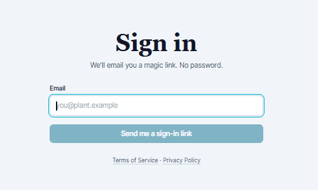
- Type your email and click Send me a sign-in link.
- Open the email from LeanTheCompany and click the link. If you have registered before, it signs you straight in. If not, it takes you to the Billing page to sign up for your plan.
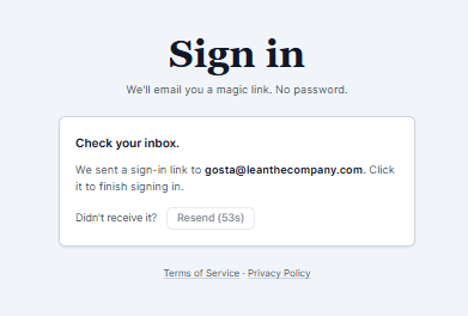
Tip — Use the exact address your account was created with. A different one or a new subscriber sends you to the Billing page. Didn't get the email? The Resend link appears after a few seconds. Push again or check your spam folder. New subscribers need to register a payment card.
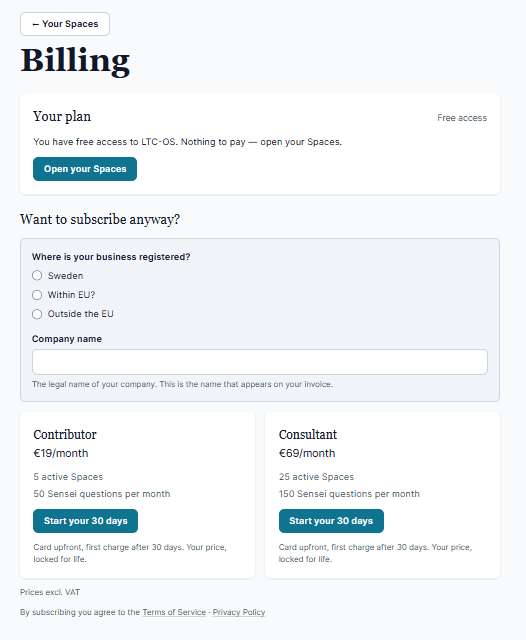
Tip — If you’re a registered user with an existing plan you can reach your Spaces via the link in the upper left corner marked “Your Spaces”. Same for previous subscribers who have cancelled their plan but still want to reach their archived Spaces.