Step 0 of every Space. Set the customer's True North — every later canvas anchors to this.
The Customer / Product
Name the customer, pick External or Internal, then set Demand rate + Period (e.g. 100 per day) and Available work minutes / day. Takt Time is calculated for you.
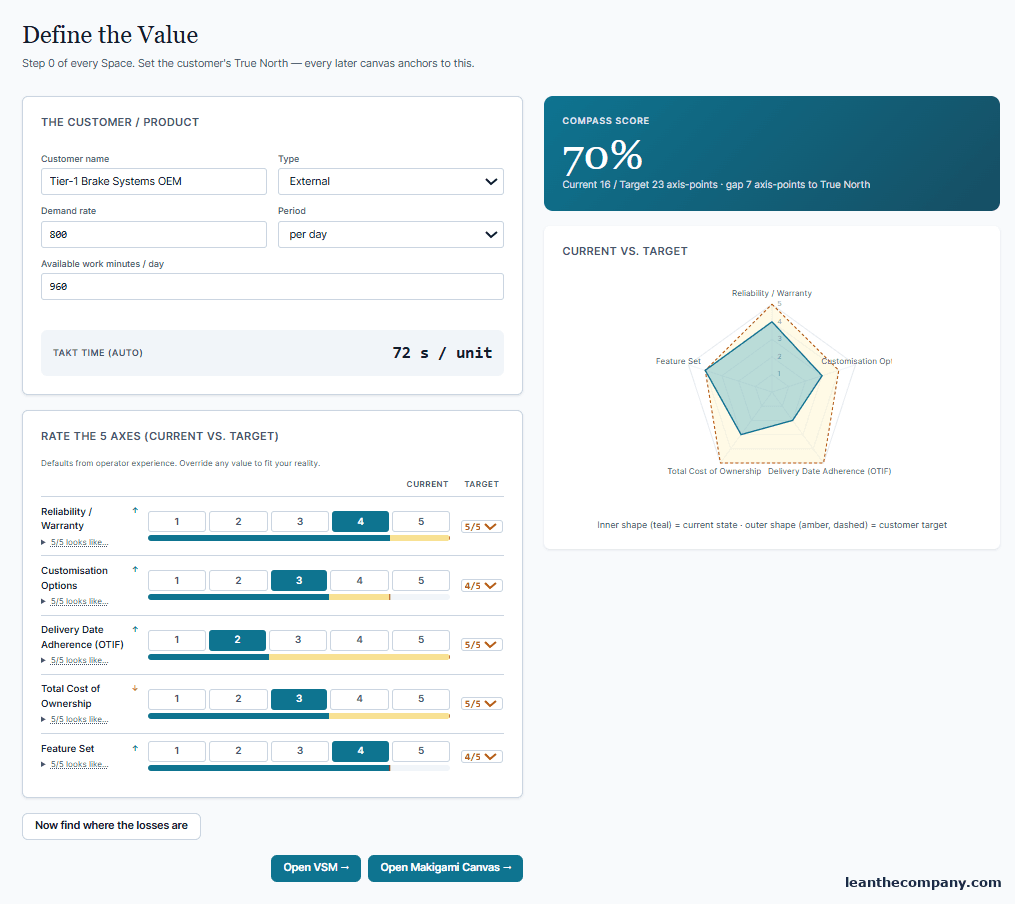
Tip — Set demand and available minutes here first. The VSM reads them to compute takt — leave them blank and the VSM header will tell you to come back.
Rate the 5 axes
Score each axis Current vs Target. The Compass Score shows current against target axis-points and the gap to True North; the radar draws today's shape (teal) inside the customer's target (amber, dashed). Not sure what a score means? The grading scale under the radar anchors every axis: what 5/5 looks like, in plant language.
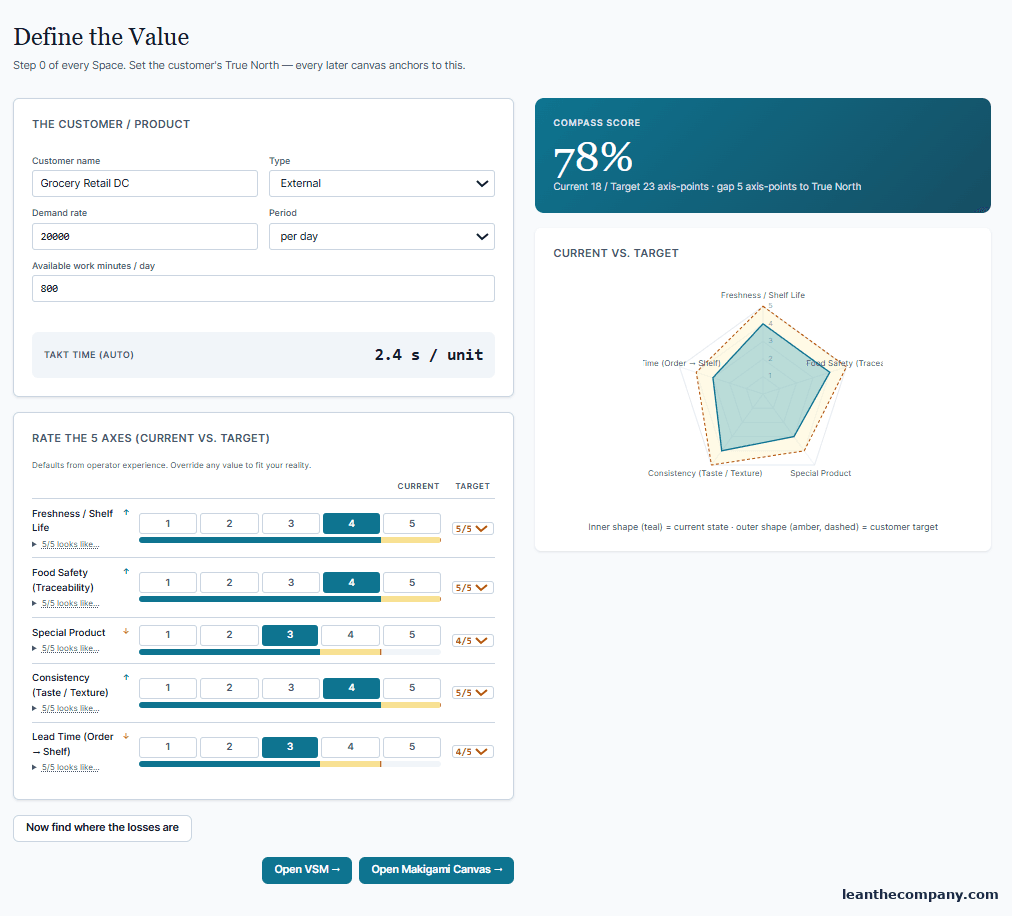
The form saves as you type — watch for Saving… / Saved by the fields. When the Compass is set, the page points you onward: Open Makigami Canvas →, Open VSM →, and the banner below invites the inward look — the Maturity Compass.